
Written by: Dariy Bek
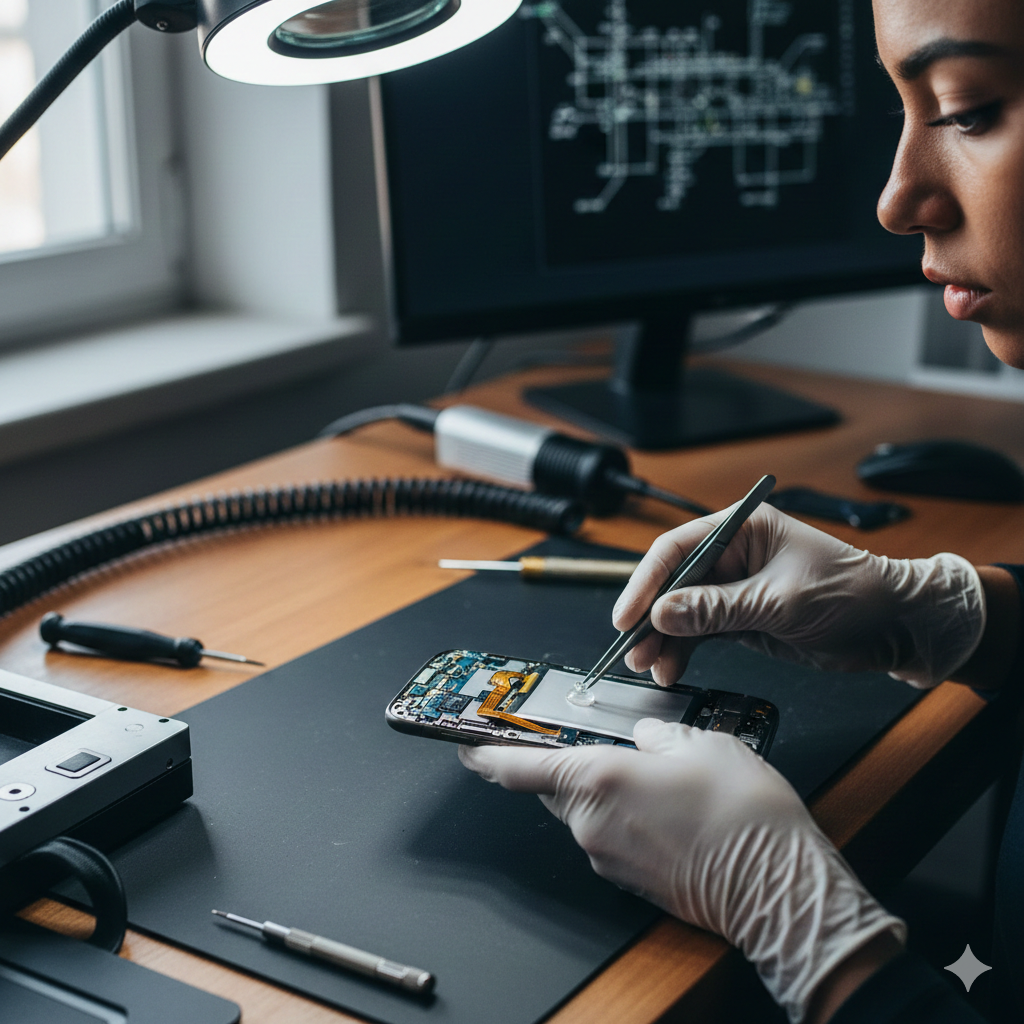
We’ve all been there. You’re in the middle of a high-stakes mobile game, a critical work email, or just trying to navigate back home in Sacramento, CA, when your phone decides to throw a tantrum. Maybe the screen starts flickering like a haunted house, or perhaps the battery drops 20% in the time it took you to pour a cup of coffee.
In 2025, smartphones are more powerful than the computers that landed humans on the moon, but they are also more delicate. As a team that lives and breathes tech restoration at Hot Tech Repair, we’ve seen every “ghost in the machine” imaginable.
Understanding whether your device is suffering from a simple software hiccup or a terminal hardware failure is crucial—not just for your sanity, but for your wallet. This guide follows the latest industry standards for device maintenance and repair safety to ensure you get the best performance out of your tech.
Section 1: The Modern Smartphone Landscape
In the current tech era, the line between “hardware” and “software” has blurred. According to recent industry data, nearly 60% of smartphone performance issues reported by users are actually related to software optimization rather than physical damage. However, the remaining 40% often involve critical components like Lithium-Ion batteries and OLED displays, which require careful handling.
When a phone malfunctions, it typically falls into one of two categories:
- Logical Errors: Bugs, cache build-up, or “vibe coding” glitches in the OS.
- Physical Failures: Component wear, moisture ingress, or impact damage.
Addressing these concerns early is vital. Ignoring a swollen battery or a minor screen crack can lead to catastrophic failure—or in extreme cases, safety hazards like thermal runaway.
Section 2: The Top 5 Common Malfunctions
1. Rapid Battery Drain and Overheating
This is the #1 complaint in 2025. With 5G connectivity and AI-heavy background processes, batteries are working harder than ever.
- The Cause: Often, it’s “zombie apps” that keep the GPS or processor running at high clock speeds.
- Expert Insight: Lithium-Ion batteries have a finite number of charge cycles. If your phone is over two years old, chemical degradation is a likely culprit.
- The Fix: Check your battery health in settings. If it’s below 80%, it’s time for a professional swap.
2. The “Ghost Touch” and Screen Flickering
Ever feel like your phone has a mind of its own? Apps opening and closing without you touching them is known as “ghost touch.”
- The Cause: This is usually a digitizer issue. Static electricity, cheap third-party chargers, or a microscopic bend in the frame can cause the touch layer to misfire.
- Reference: Industry experts at iFixit note that display assembly tension is a leading cause of touch-response failure in modern bezel-less phones.
3. Sluggish Performance and App Crashing
If your $1,000 flagship feels like a 2010 flip phone, your RAM is likely suffocating.
- The Cause: Insufficient storage space is the hidden killer of speed. Smartphones need at least 10-15% of free space to perform “wear leveling” on the flash storage.
4. Charging Port Inconsistency
You plug it in, wiggle the cord, pray to the tech gods, and… nothing.
- The Cause: It’s rarely a broken port; it’s usually pocket lint. However, if the “tongue” inside the port is bent, forced charging can short-circuit the motherboard.
5. Connectivity Woes (Wi-Fi and Bluetooth)
When your AirPods won’t connect or the Wi-Fi keeps dropping, it’s incredibly frustrating.
- The Cause: Often related to outdated network settings or, more seriously, a failing antenna flex cable after a minor drop.
Disclaimer: The advice provided here is for informational purposes. Attempting to open your device or replace internal components without proper training can void your warranty and pose a risk of fire or injury.
Section 3: Practical Advice & DIY Fixes
Before you rush to repair a device, try these “First Aid” steps:
- The Forced Restart: It sounds cliché, but a hard reboot clears the system cache and resets the hardware controllers.
- Clear the Port: Use a non-metallic toothpick or a specialized cleaning tool to gently remove lint from the charging port. Never use a needle.
- Update Your Software: Manufacturers release patches for known hardware-interaction bugs.
- Factory Reset: If performance is the issue, back up your data and perform a “Nuclear Option” reset to see if the problem persists on a clean slate.
When to Call a Pro
You should immediately seek professional help from Hot Tech Repair in Sacramento if:
- Your screen is cracked (this compromises structural integrity).
- The phone feels hot to the touch even when not in use.
- The frame is bent or the back glass is lifting (sign of a swollen battery).
- You’ve experienced liquid contact—do not put it in rice! Rice is for dinner, not for drying electronics. Get it to a pro for ultrasonic cleaning.
Section 4: Conclusion and Final Thoughts
Your phone is your lifeline to the world. While software glitches can often be handled with a bit of patience and a few clicks, hardware issues require the precision of a specialist. Using reputable parts and certified technicians ensures your device lasts for years rather than months.
If you’re unsure about the health of your device, don’t guess. Get an instant quote today to see how affordable a professional fix can be.
FAQs
Q1: Is it worth fixing an older phone?
A: Generally, if the repair cost is less than 50% of the cost of a replacement, repair is the smarter, eco-friendly choice. Check our gallery to see the results of our restoration work.
Q2: Can a software update really fix a battery that drains too fast?
A: Yes. Sometimes a bug in the OS causes the CPU to “wake up” too frequently. A patch can optimize this, though it won’t fix a physically worn-out battery.
Official Disclaimer (YMYL & EEAT Compliant)
Legal Disclaimer: The information provided in this article, “The 5 Most Common Reasons Your Phone is Malfunctioning,” is for educational and informational purposes only. Modern smartphones contain high-density Lithium-Ion batteries which can pose a significant risk of fire, explosion, or toxic chemical release if punctured, overheated, or mishandled.
While some software troubleshooting steps are safe for general users, physical hardware repairs should only be performed by certified professionals. Attempting to open your device or replace internal components can void manufacturer warranties and lead to permanent device failure. Hot Tech Repair and its authors are not liable for any damage to property or personal injury resulting from DIY repair attempts inspired by this content. If your device is overheating, swelling, or severely cracked, pleasecontact a professional technicianimmediately.