
Written by: Dariy Bek
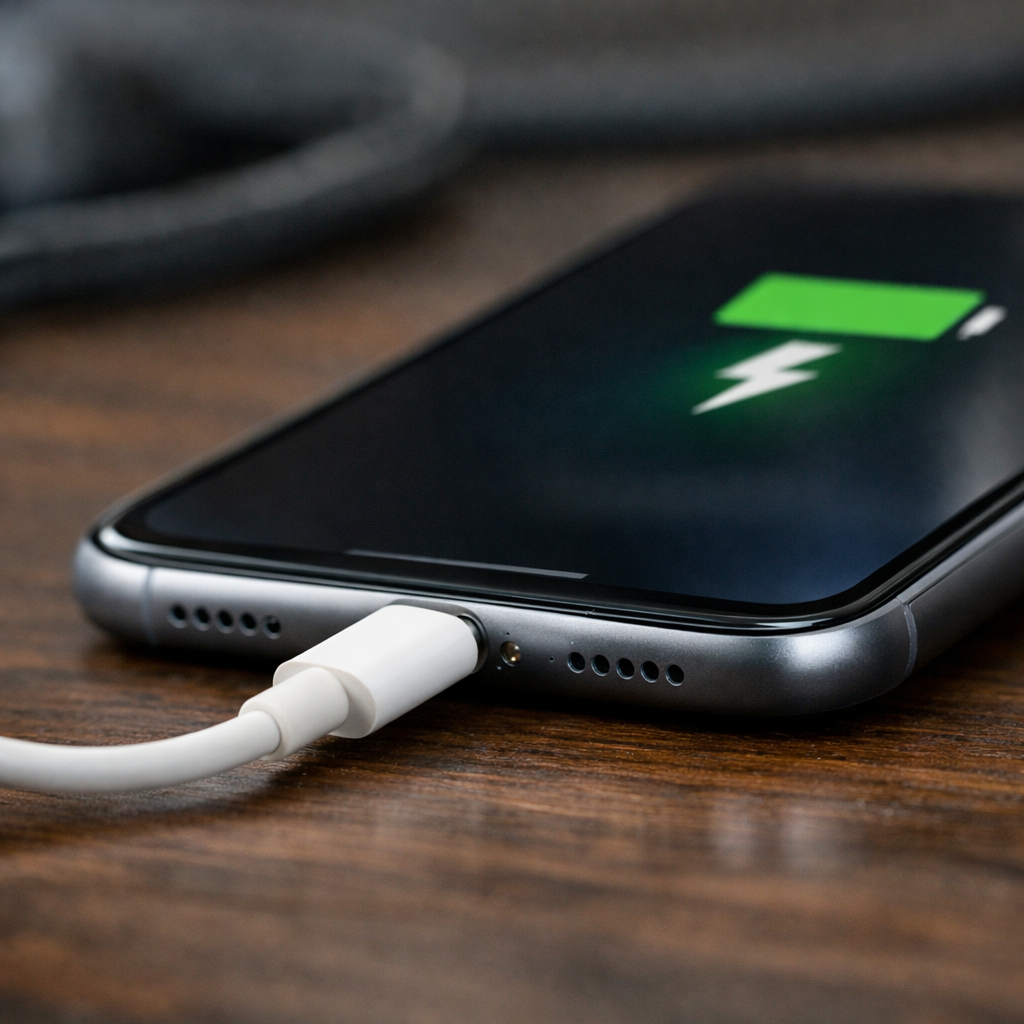
You plug your phone in… nothing happens. You tilt the cable slightly, prop it up with a book, and suddenly it starts charging. Sound familiar?
If your phone only charges at one specific angle, it’s a warning sign that something is already wrong—and forcing it to work can quietly turn a small issue into an expensive repair.
At Hot Tech Repair, this is one of the most common problems customers bring in. Our technicians see it daily on iPhones, Samsung devices, and Android phones of all models. What surprises most people is how often well-meaning DIY habits actually make the damage worse.
Let’s break down why this happens, what’s going on inside your phone, and how to avoid making the problem bigger than it needs to be.
Why Your Phone Only Charges at One Angle
When a phone only charges at a certain angle, the issue almost always comes down to poor electrical contact between the charging cable and the charging port.
1. Dirt and Lint Inside the Charging Port
Phones spend most of their time in pockets, bags, and cars. Over time, lint, dust, and debris get compacted inside the charging port. Even a thin layer can prevent the cable from fully connecting.
Apple confirms that debris in the charging port is a leading cause of charging issues and recommends professional cleaning if basic inspection doesn’t help. According to Apple Support, forcing a cable into a dirty port can cause permanent connector damage.
2. Worn or Bent Charging Port Pins
Inside your charging port are tiny metal pins that connect to your charger. After years of plugging and unplugging—or after using pressure to “find the right angle”—those pins can bend or lose tension.
Once that happens, the cable only makes contact when held just right, which is why charging becomes unreliable.
3. Damaged or Low-Quality Charging Cables
Not all charging cables are created equal. Cheap or worn cables can develop internal breaks that interrupt power flow. Consumer Reports has repeatedly warned that damaged or low-quality charging cables are a common cause of intermittent charging and overheating.
If a cable only works when bent or twisted, it’s likely failing internally.
4. Internal Connector or Board Damage
In some phones, the charging port connects to internal components via a flex cable or soldered joint. Drops, moisture exposure, or constant cable strain can loosen those connections. At that point, no amount of cable adjustment will fix the issue permanently.
DIY Habits That Make Charging Problems Worse
Many people unintentionally turn a simple fix into a major repair by trying to “force” the phone to charge.
Poking the Port with Metal Objects
Using paper clips, needles, or pins to clean the charging port is one of the fastest ways to cause permanent damage. Metal tools can scratch contact pins or short electrical components.
The USB Implementers Forum, which sets official USB standards, warns against inserting conductive objects into charging ports due to the risk of connector damage.
Constantly Wiggling the Cable
Finding the “sweet spot” and leaving the cable bent might seem harmless, but every movement puts extra stress on the port. Over time, this can break internal solder points or fully detach the connector.
What could have been a quick cleaning often turns into a full charging port replacement.
Using Cheap or Counterfeit Chargers
The Federal Trade Commission has issued consumer warnings about counterfeit and uncertified chargers, noting risks such as overheating, inconsistent voltage, and connector damage.
Low-quality chargers can slowly damage your phone’s charging port and battery, even if they seem to work at first.
Ignoring Early Warning Signs
Slow charging, random disconnects, or heat while charging are early indicators of a failing port. Ignoring these signs often leads to more complex and costly repairs later.
What You Can Safely Do at Home (and When to Stop)
Safe Steps You Can Try
If your phone is charging inconsistently, you can try the following low-risk steps:
- Turn the phone off
- Use a flashlight to look inside the charging port
- Gently remove visible lint using a wooden or plastic toothpick
- Avoid applying pressure or scraping
If the cable still feels loose or charging remains unstable, stop there.
When Professional Repair Is the Better Option
You should seek professional help if:
- The cable never fits snugly
- Charging only works at extreme angles
- The phone heats up while charging
- The port feels loose or moves
At Hot Tech Repair, technicians can safely clean or replace charging ports using proper tools and diagnostics. You can also get upfront pricing through our Instant Quote page before visiting.
Repair vs Replacement: What Makes Sense?
Professional Charging Port Cleaning
In many cases, a professional cleaning restores normal charging immediately. It’s quick, affordable, and prevents further damage.
Charging Port Replacement
If the port pins are worn or damaged, replacement is the safest long-term solution. Continuing to force a cable into a failing port can damage internal components or the motherboard.
You can see real repair examples in our Repair Gallery.
Conclusion
If your phone only charges at one angle, it’s not just annoying—it’s a sign that something needs attention. While DIY fixes might seem helpful, they often make the problem worse and lead to more expensive repairs down the line.
Addressing charging issues early, using quality accessories, and seeking professional repair when needed can save you time, money, and frustration.
If you’re local, our Sacramento, CA location is ready to help. You can also reach out directly through our Contact Us page for guidance.
Disclaimer
This content is for informational purposes only and does not replace professional repair services. Attempting repairs without proper tools or training may cause further damage. Always consult a qualified technician for persistent charging issues.