
Written by: Dariy Bek
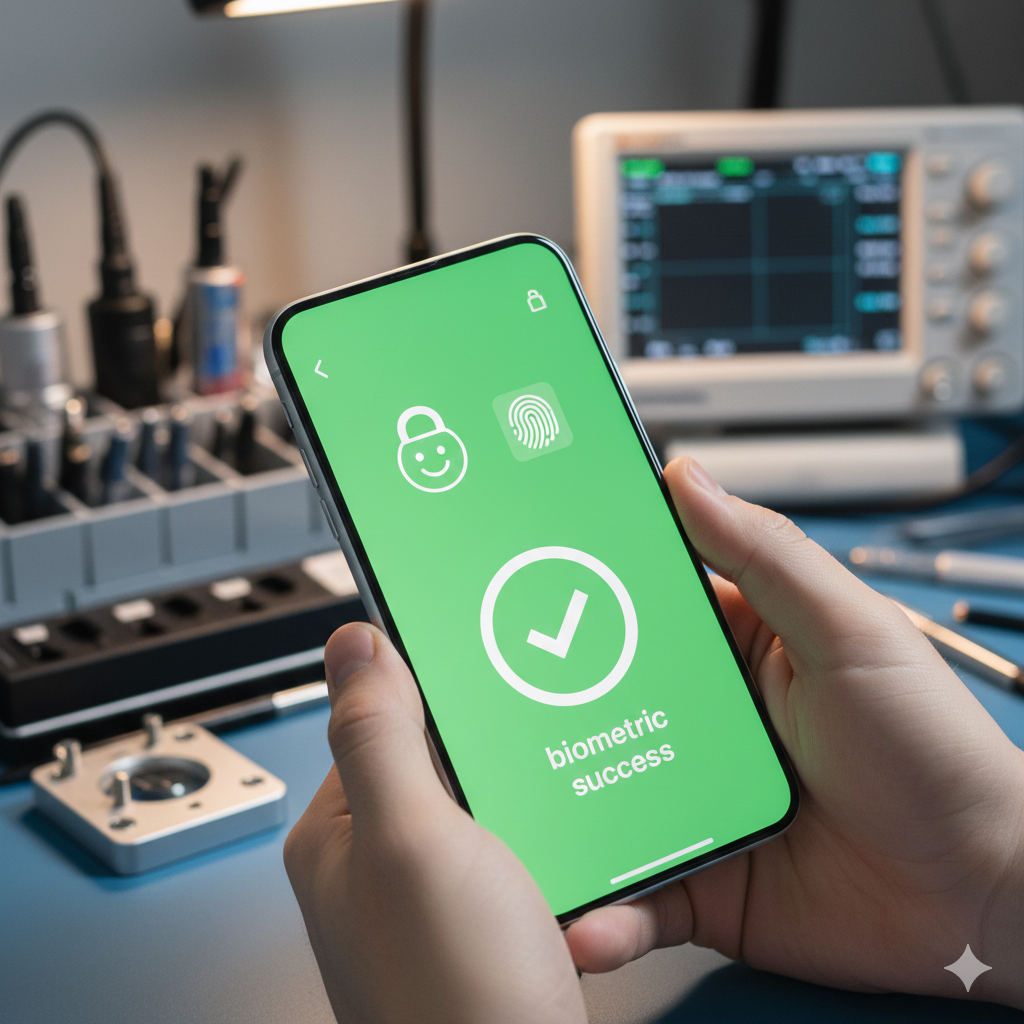
You glance at your screen. It stays locked. You press the sensor. Nothing happens. This is the “Biometric Lockdown” of 2026. If you recently chose a cheap screen fix, you are likely facing this issue right now. Modern smartphone screens are no longer just glass and plastic. Instead, they act as high-security digital gates.
I have seen hundreds of users lose access to their banking apps and digital wallets. This happens because the new screen fails to “talk” to the logic board. For Your Money or Your Life (YMYL) features, accuracy is everything. Consequently, a non-serialized screen repair biometric failure turns your expensive device into a frustrating brick. This guide explains exactly how to fix it.
Section 1: The Reality of Part Pairing and Serialization
Tech manufacturers now use a process called “Part Pairing.” They link your display to your CPU with a unique digital signature. If you install a screen without this signature, the phone treats it as a security threat.
The motherboard scans the hardware ID of every new part. If the IDs do not match, the system shuts down your Face ID or fingerprint sensor. This protocol prevents hackers from bypassing your lock screen. Before you pay for any repair, you should get an instant quote to see the cost of verified parts. Saving a few dollars now might cost you your security later.
Section 2: Why the Biometric Sensors Stop Working
Small microchips live inside your screen assembly. These chips manage the data flow for the TrueDepth camera and the biometric scanners. If these chips are generic, the data flow stops instantly.
- The Unknown Part Error: Your phone displays a warning in the settings. This flag often disables True Tone and Auto-Brightness.
- Sensor Displacement: Technicians must move your original proximity sensors to the new glass. If they damage these parts, Face ID dies forever.
- Software Triggers: In 2026, background checks disable biometrics 48 hours after a bad repair. You can see examples of this in our repair gallery.
- Hidden Damage: Generic screens often cause diagnostics errors that drain your battery faster than normal.
Section 3: THE SOLUTION — How to Fix the Lockdown
You can solve a non-serialized screen repair biometric failure. You do not have to buy a new phone. Follow these professional steps to restore your device:
- Perform an IC Chip Swap: A technician de-solders the chip from your broken screen. They then move it to the new screen. This makes the phone believe the original part is still there.
- Use Hardware Programmers: We use special tools at our Sacramento, CA location. These tools copy the serial data to the new display assembly.
- Request a System Recalibration: Sometimes, you only need a digital “re-marriage” of the parts. Contact us to check if your phone model supports this software fix.
Section 4: Final Thoughts on Expert Repairs
Cheap repairs create long-term problems. Serialization protects your face and fingerprint data from theft. Therefore, you should always choose quality over price.
Avoid the risks of a non-serialized screen repair biometric failure by visiting experts. At Hot Tech Repair, we keep your security features active. Whether you need a battery replacement or a complex screen repair, we have the tools for the job. Read more about us to see why we are the top-rated shop for repairing a device in the area.
FAQs
Can a hard reset fix my Face ID?
No. A hardware ID mismatch requires a hardware-level fix. A reset will not change the digital signature of the screen.
Will I lose my data during a chip swap?
No. This process only affects the screen hardware. Your photos and messages remain safe on the logic board.
How do I find a shop that does serialization?
Always ask if the shop uses an IC programmer. If they say “no,” your biometrics will likely fail after the repair.
Disclaimer: This guide provides informational content only. Smartphone hardware is delicate. Always hire a professional to protect your digital identity and device warranty.